Games for Cats on Tablet (2026 Guide)
Tablets provide the ideal platform for cat games — the larger screen gives your cat plenty of room to track, stalk, and pounce on prey. Cat Hunt Simulator: Burrow & Pounce is built to take full advantage of that screen real estate with adaptive layouts that scale beautifully from standard tablets to large-screen devices. The generous touch surface means prey has realistic room to flee and hide beneath destructible surfaces, creating a more immersive hunting experience.
Screen size directly impacts the quality of a cat game experience. Cat Hunt Simulator is optimized for tablets starting at 8 inches and scaling up to 13 inches and beyond. On larger tablets, prey has realistic room to execute complex escape patterns — darting, zigzagging, and circling — while your cat uses their full reach to track and intercept. The game's adaptive layout ensures that UI elements scale proportionally, keeping the play area maximized regardless of your specific tablet dimensions.
Which tablets work best for Cat Hunt Simulator? On the Apple side, the iPad Pro 12.9-inch offers the ultimate experience, followed by the iPad Air and standard iPad at 10.9 inches. The iPad Mini works well for kittens and casual sessions. For Android users, Samsung Galaxy Tab S series, Lenovo Tab P series, and Google Pixel Tablet all deliver smooth 60fps gameplay through the web version at cathuntsim.com. Any tablet with a modern browser and capacitive touchscreen provides an excellent hunting experience.
Why Cat Hunt Simulator Stands Out
- Designed for tablet-sized screens with adaptive layouts
- Large play area gives prey realistic room to flee and hide
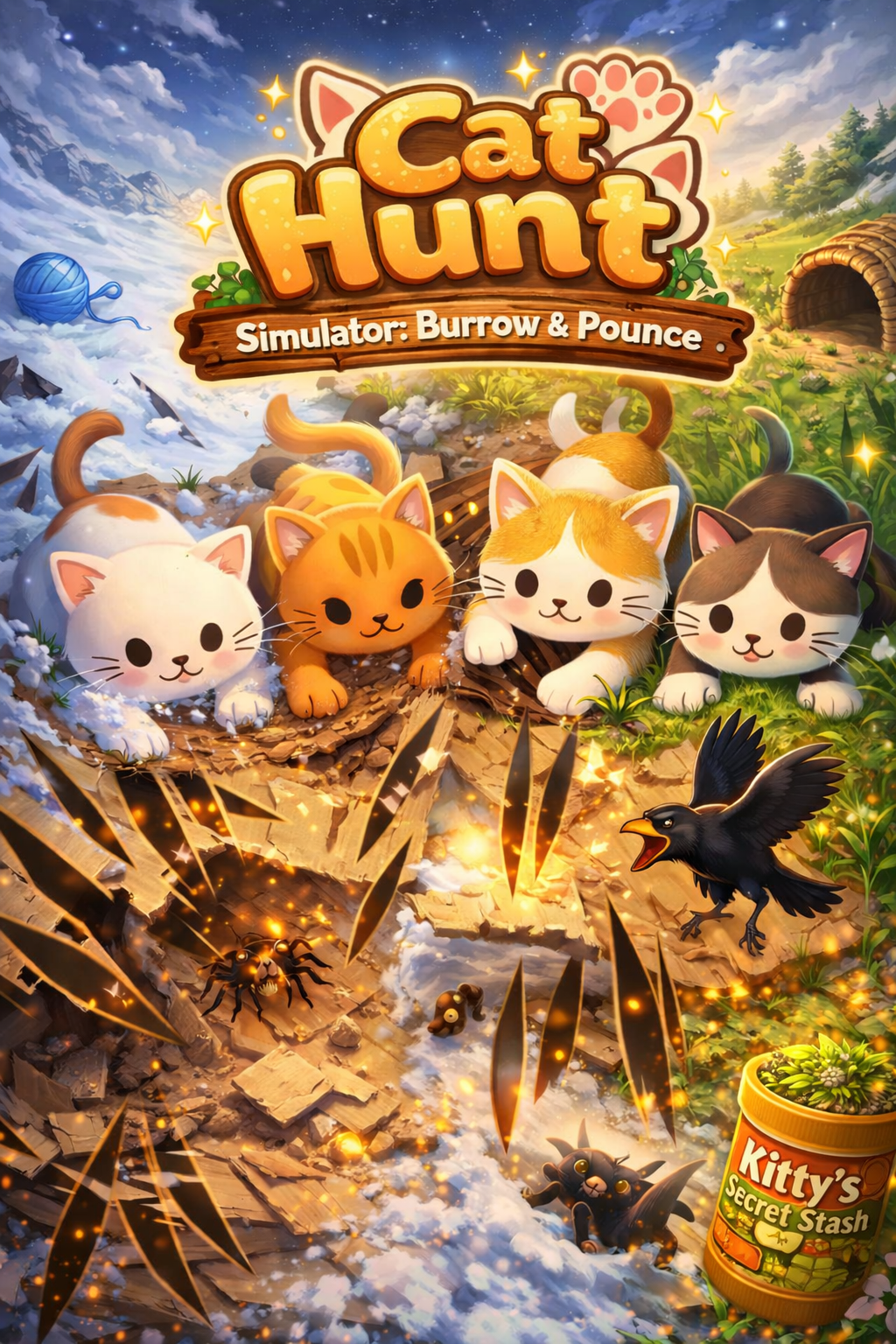
- Complete hunt cycle: stalk hidden prey, tear through surfaces, capture with a pounce
- Catnip Boost power-up sprinkles irresistible particle effects across the play surface
- Share stats screen to show off your cat's hunting prowess
- Day/night cycle affecting prey behavior and visual atmosphere
- Realistic prey behavior — skittering, freezing, and bolting when paws approach
- Auto-replay with shuffle mode for hands-free play sessions
- Four destructible substrate types: Paper, Grass, Snow, and Cardboard
- 60fps canvas-based rendering optimized for responsive touch detection

Available on the App Store. Free to play with optional Premium.
Also available on any touch-enabled device at cathuntsim.com →Cat Hunt vs Other Cat Games
| Feature | Cat Hunt Simulator | Other Cat Games |
|---|---|---|
| Prey Behavior | Dynamic AI — skitters, freezes, bolts based on cat proximity | Simple linear movement or random paths |
| Surface Interaction | Destructible substrates (Paper, Grass, Snow, Cardboard) | Flat, static backgrounds |
| Hunt Completion | Full cycle — stalk, chase, capture with hold-to-pounce | Tap to score points, no capture mechanic |
| Difficulty Modes | Three energy modes (Kitten, Adult, Senior) | One-size-fits-all difficulty |
| Day/Night Cycle | Yes — affects prey behavior and visibility | No environmental changes |
| Visual Quality | 60fps canvas rendering with sprite-based normal maps | Basic sprite animations at lower frame rates |
| Session Stats | Detailed stats with shareable game-over screen | Simple score counter |
| Auto-Replay | Yes — shuffle mode for hands-free play | Manual restart required |
Frequently Asked Questions
How long should my cat play Cat Hunt Simulator?
We recommend 10 to 15 minute play sessions, similar to how cats hunt in the wild — short bursts of intense activity. The three energy modes (Kitten, Adult, Senior) automatically adjust session pacing for your cat's age and activity level.
Is Cat Hunt Simulator free to play?
Yes! Cat Hunt Simulator offers a free tier with access to select substrates and prey types. Premium subscriptions (weekly, monthly, or yearly) unlock all substrates, prey types, shuffle mode, and remove ads for an uninterrupted experience.
How is Cat Hunt different from other cat games?
Most cat games show a simple dot, fish, or mouse moving across a flat screen. Cat Hunt features prey that actually hides beneath destructible surfaces — your cat tears through paper, grass, snow, or cardboard to find and capture prey. The prey exhibits realistic escape behavior, freezing when it senses danger and bolting when your cat gets close.
Is Cat Hunt Simulator safe for my cat and my screen?
Absolutely. Cat Hunt Simulator uses cat-safe visual patterns and appropriate brightness levels. The game is designed so normal cat paw interactions will not damage your screen. We recommend using a screen protector for added peace of mind during enthusiastic play sessions.
What devices does Cat Hunt Simulator work on?
Cat Hunt Simulator: Burrow & Pounce is available on iPhone and iPad via the App Store. A web version is also available at cathuntsim.com that works on any touch-enabled device with a modern browser, including Android tablets and desktop computers with touchscreens.
Join thousands of cats already playing.
Play on any touch-enabled device at cathuntsim.com →