Interactive Cat Game Android (2026 Guide)
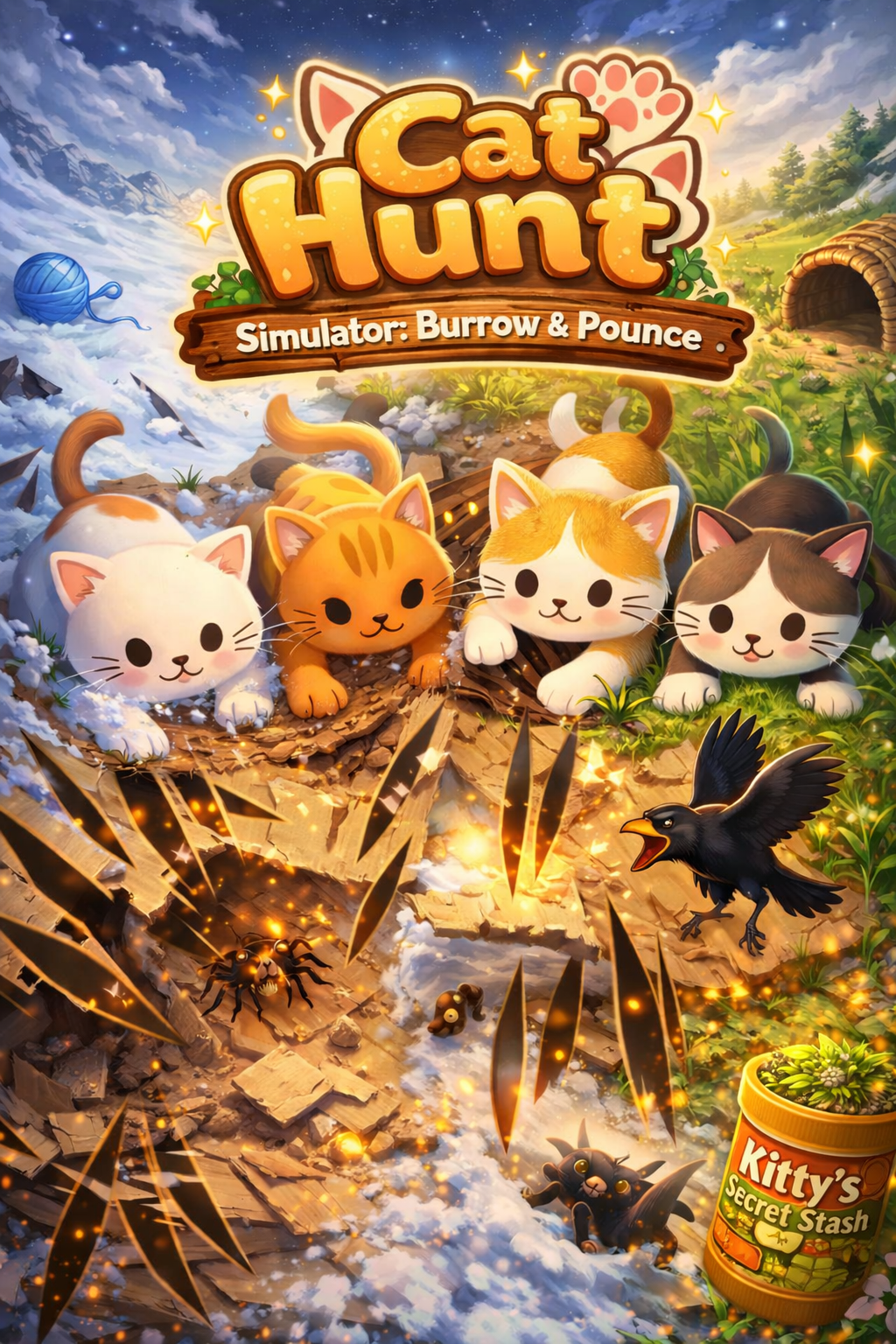
Cat Hunt Simulator: Burrow & Pounce brings the most advanced cat gaming experience to Android devices through our web app at cathuntsim.com. While the native iOS app delivers the premium experience, Android cat owners get full access to realistic prey behavior, destructible surfaces, and the complete hunt cycle through any modern mobile browser. The web version is optimized for Android tablets and phones — no app store download required.
Android users can access Cat Hunt Simulator's complete hunting experience through the web version at cathuntsim.com. Simply open any modern mobile browser — Chrome, Firefox, Samsung Internet, or Edge — and navigate to the site. The web app loads instantly with no download or installation required, giving your cat immediate access to realistic prey behavior, destructible surfaces, and the full hunt cycle. You can even add it to your home screen for one-tap access that feels just like a native app.
Browser compatibility is excellent across the Android ecosystem. Cat Hunt Simulator's web version uses HTML5 Canvas rendering optimized for 60fps performance on devices running Android 10 and newer. Whether your cat plays on a Samsung Galaxy Tab, Lenovo Tab, or Google Pixel Tablet, the experience adapts to your screen size with responsive layouts. Touch detection is calibrated for both finger and paw input, ensuring smooth gameplay on every Android device.
A native Android app is on Big Monk Games' development roadmap for late 2026. In the meantime, the web version at cathuntsim.com delivers the same core features as the iOS app including all prey types, substrate destruction, energy modes, and the day/night cycle. Android users who start with the web version will be able to transition seamlessly to the native app when it launches, with their preferences and progress carrying over.
Why Cat Hunt Simulator Stands Out
- Full web version available at cathuntsim.com for Android devices
- No app store download required — play instantly in your browser
- Four destructible substrate types: Paper, Grass, Snow, and Cardboard
- Realistic prey behavior — skittering, freezing, and bolting when paws approach
- Catnip Boost power-up sprinkles irresistible particle effects across the play surface
- Three energy modes — Kitten, Adult, and Senior — matching your cat's play style
- Hit point system tracks successful strikes in real-time
- Share stats screen to show off your cat's hunting prowess
- Complete hunt cycle: stalk hidden prey, tear through surfaces, capture with a pounce
- Auto-replay with shuffle mode for hands-free play sessions

No download needed. Play instantly at cathuntsim.com.
Also available on any touch-enabled device at cathuntsim.com →Cat Hunt vs Other Cat Games
| Feature | Cat Hunt Simulator | Other Cat Games |
|---|---|---|
| Prey Behavior | Dynamic AI — skitters, freezes, bolts based on cat proximity | Simple linear movement or random paths |
| Surface Interaction | Destructible substrates (Paper, Grass, Snow, Cardboard) | Flat, static backgrounds |
| Hunt Completion | Full cycle — stalk, chase, capture with hold-to-pounce | Tap to score points, no capture mechanic |
| Difficulty Modes | Three energy modes (Kitten, Adult, Senior) | One-size-fits-all difficulty |
| Day/Night Cycle | Yes — affects prey behavior and visibility | No environmental changes |
| Visual Quality | 60fps canvas rendering with sprite-based normal maps | Basic sprite animations at lower frame rates |
| Session Stats | Detailed stats with shareable game-over screen | Simple score counter |
| Auto-Replay | Yes — shuffle mode for hands-free play | Manual restart required |
Frequently Asked Questions
How is Cat Hunt different from other cat games?
Most cat games show a simple dot, fish, or mouse moving across a flat screen. Cat Hunt features prey that actually hides beneath destructible surfaces — your cat tears through paper, grass, snow, or cardboard to find and capture prey. The prey exhibits realistic escape behavior, freezing when it senses danger and bolting when your cat gets close.
Is Cat Hunt Simulator available on Android?
Yes! While the native app is on iPhone and iPad via the App Store, Android users can play the full Cat Hunt experience through the web version at cathuntsim.com. It works on any touch-enabled device with a modern browser — no download required.
How do I play Cat Hunt on my Android tablet?
Simply open cathuntsim.com in your Android tablet's browser (Chrome, Firefox, or Samsung Internet all work great). The web version offers the same realistic prey behavior, destructible surfaces, and complete hunt cycle as the iOS app. You can even add it to your home screen for quick access.
Is Cat Hunt Simulator safe for my cat and my screen?
Absolutely. Cat Hunt Simulator uses cat-safe visual patterns and appropriate brightness levels. The game is designed so normal cat paw interactions will not damage your screen. We recommend using a screen protector for added peace of mind during enthusiastic play sessions.
How long should my cat play Cat Hunt Simulator?
We recommend 10 to 15 minute play sessions, similar to how cats hunt in the wild — short bursts of intense activity. The three energy modes (Kitten, Adult, Senior) automatically adjust session pacing for your cat's age and activity level.
Join thousands of cats already playing.
Play on any touch-enabled device at cathuntsim.com →